Turn paper into PDFs.
Use the iPhone camera to capture documents and keep them as shareable PDFs instead of loose photos.
Scan a document, save it as a clean PDF, and keep it where you can find it again. OnePress Scan is made for forms, labels, handwritten notes, return slips, school papers, instructions, and quick paper capture on iPhone.
Screenshots
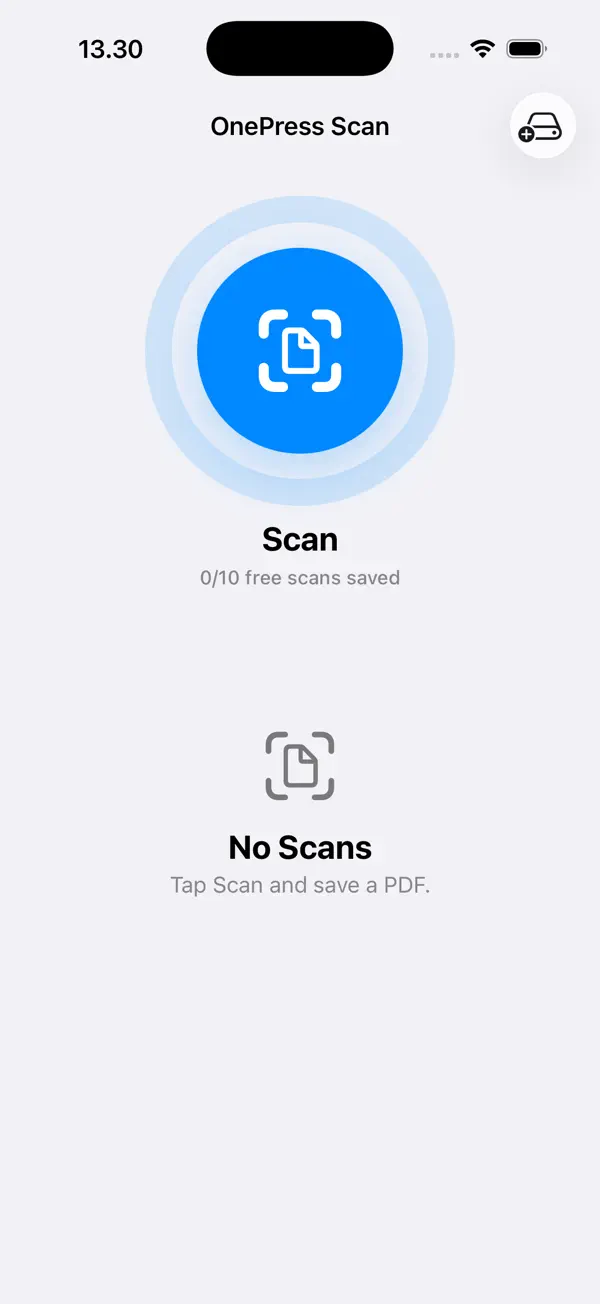
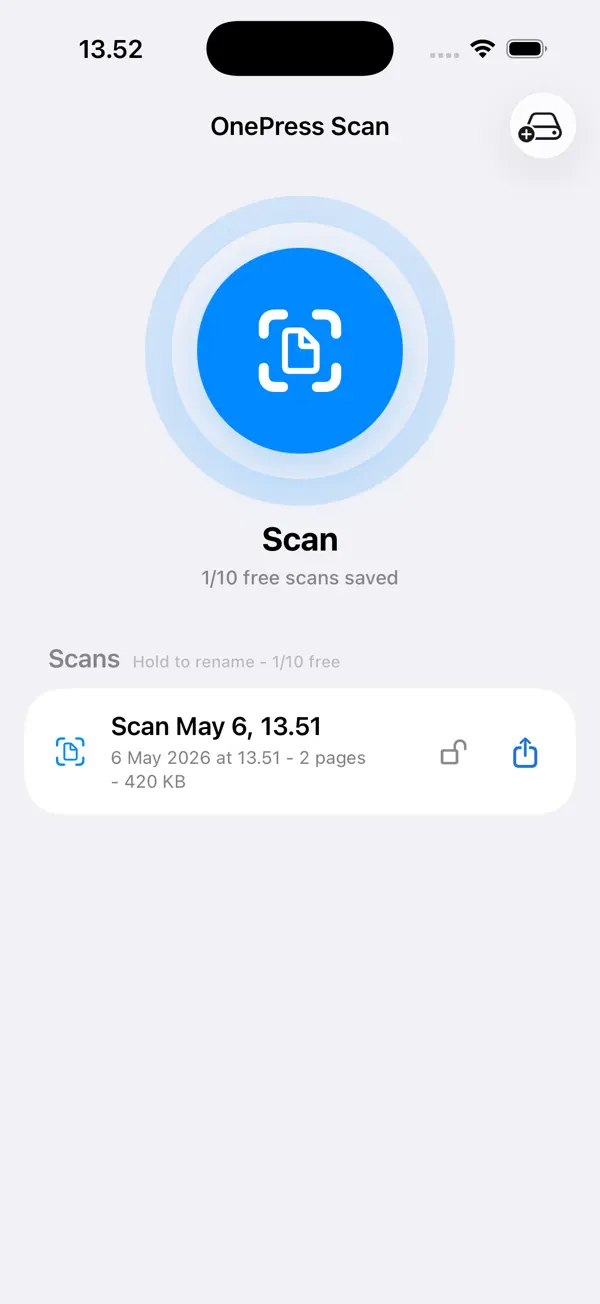

Use the iPhone camera to capture documents and keep them as shareable PDFs instead of loose photos.
Rename each scan, keep the capture date visible, and lock important files so they are not deleted by accident.
Choose a folder in Files for optional backup. It can be iCloud Drive, Google Drive, Dropbox, OneDrive, or local storage.
OnePress Scan does not require an account. Your scans stay local unless you share or back them up.
Also from OnePress
OnePress Rec captures voice notes, while OnePress Receipts keeps purchase proof ready for returns, expenses, and warranties.